

A reliable LED lighting system relies heavily on stable signal transmission and seamless connectivity between the controller and LED fixtures. When Led Controller signals fail or connectivity issues arise, the entire lighting setup can malfunction—leading to flickering lights, unresponsive controls, or complete lighting failure. These problems are not only frustrating but can also disrupt events, commercial displays, or architectural lighting projects. To help you quickly identify and resolve these issues, this guide breaks down the most common signal and connectivity problems, along with step-by-step troubleshooting tips.
One of the most frequent issues is weak or intermittent signal transmission, which often manifests as flickering LED lights or delayed response to controller commands. This problem typically stems from three main causes: improper wiring, signal interference, or a faulty controller. First, check the wiring connections between the controller and LED fixtures—loose or damaged wires can disrupt signal flow. Ensure that all connections are secure and that wires are not frayed or exposed. If wiring is intact, consider environmental interference: devices like Wi-Fi routers, power cables, or other electronic equipment can interfere with signal transmission. Moving the controller away from these devices or using shielded cables can often resolve the issue.
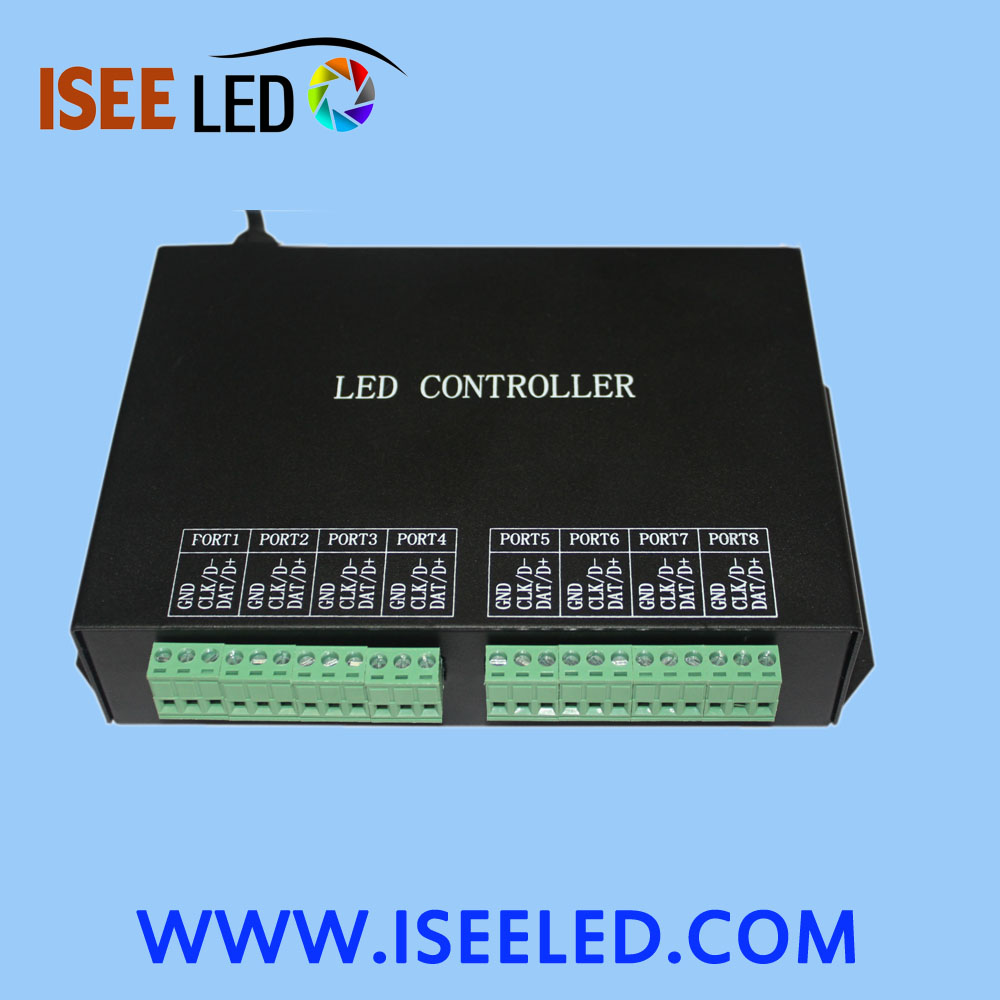
Another common connectivity problem is the controller failing to recognize LED fixtures, especially when using multi-fixture setups. This issue is particularly common with advanced controllers designed for complex lighting effects, such as the Rgb Led Controller. Start by verifying that the LED fixtures are compatible with the controller—different controllers support different LED types (e.g., RGB, RGBW, single-color), and mismatched devices will not communicate properly. Next, check the DMX address settings if using a DMX controller: each fixture must have a unique DMX address that matches the controller’s configuration. If addresses are duplicated or incorrect, the controller will not be able to send signals to individual fixtures.
Signal loss or complete disconnection is another critical issue that can occur, often due to a faulty controller, damaged cables, or incorrect power supply. First, test the power supply to the controller—insufficient voltage or a faulty power adapter can cause the controller to shut down or fail to transmit signals. If the power supply is working, inspect the signal cables (such as DMX cables for professional setups) for damage. Replace any damaged cables with high-quality, shielded options to ensure stable signal transmission. Additionally, check if the controller’s firmware is up to date—outdated firmware can cause compatibility issues and signal errors, which can usually be fixed by downloading the latest firmware from the manufacturer’s website.
For those using controllers designed for more advanced lighting setups, such as the Rgbw Led Controller, a common issue is inconsistent color or brightness across fixtures. This is often caused by signal degradation over long cable runs or incorrect color calibration. To resolve this, limit cable length to the manufacturer’s recommended maximum (typically 100-150 meters for DMX cables) or use a signal booster to amplify the signal. Additionally, calibrate the controller’s color settings to ensure all fixtures display consistent colors and brightness levels. Most controllers have built-in calibration tools that allow you to adjust color balance and brightness for uniform performance.
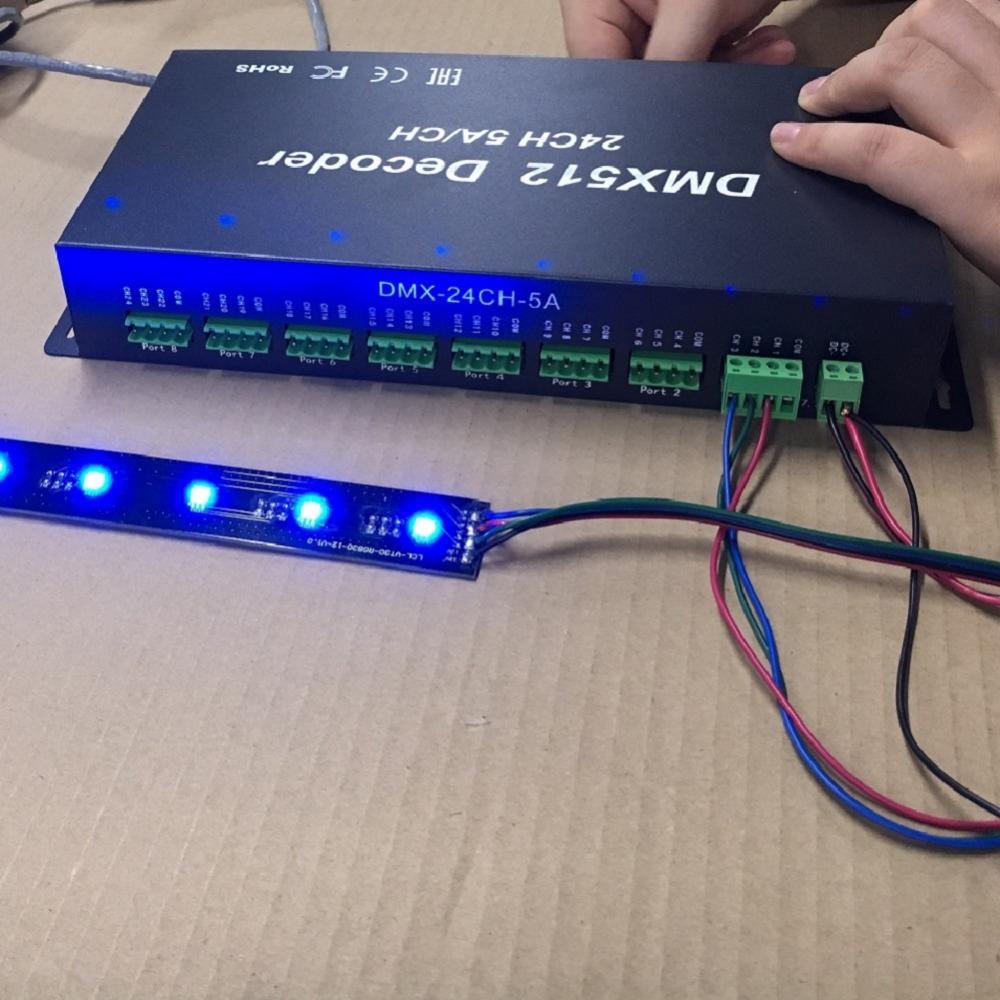
Preventive measures are also key to avoiding signal and connectivity issues. Regularly inspect wiring and cables for damage, keep the controller away from interference sources, and ensure all devices are compatible before installation. By following these troubleshooting steps and preventive tips, you can minimize downtime, ensure stable performance of your LED lighting system, and get the most out of your LED controller. Whether you’re managing a commercial display, stage lighting, or architectural lighting project, addressing signal and connectivity issues promptly will help maintain a professional and reliable lighting experience.